You must learn tmux right now!
4 min read
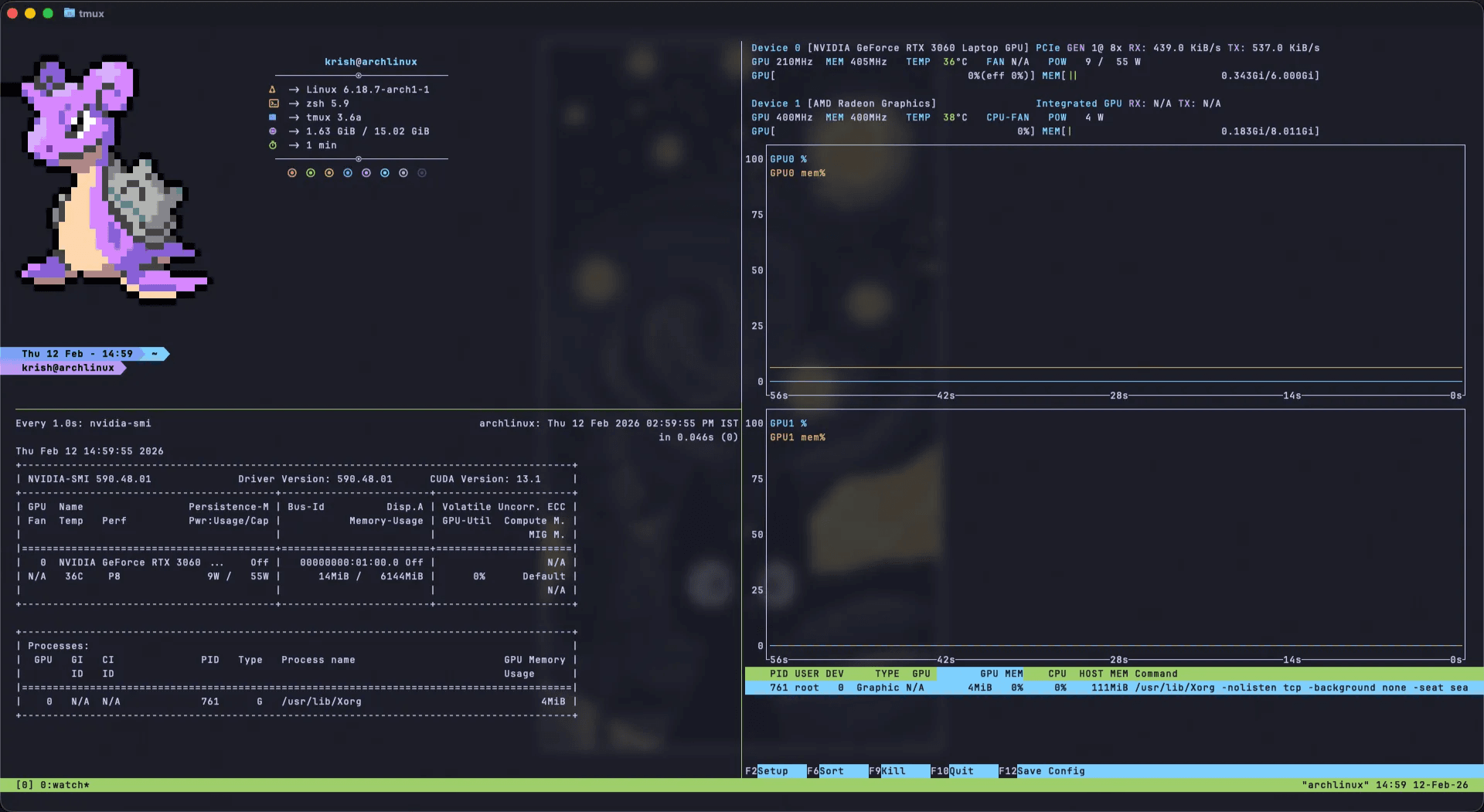
I spin up GPU machines all the time for inference and fine-tuning. The launch flow is easy. The messy part starts after SSH:
- I need multiple terminals for logs, training, and quick checks
- I do not want jobs to die when the connection drops
- I do not want five separate SSH windows open
tmux solves all of that.
Why tmux is worth it
tmux is a terminal multiplexer, which means:
- You can run multiple terminal sessions in one SSH connection.
- You can split your workspace into panes and windows.
- You can detach and reattach without losing long-running processes.
- You can keep everything organized for server-side work.
- You can customize the workflow via
.tmux.conf.
A minimal daily workflow
1) Start a named session
bashtmux new -s dev
- Creates a session named
dev - Attaches immediately
2) Split into panes
Vertical split (left/right):
textCtrl-b %
Horizontal split (top/bottom):
textCtrl-b "
Move between panes:
textCtrl-b ← / → / ↑ / ↓
3) Detach and keep everything running
textCtrl-b d
Your commands continue in the background.
4) Reattach later
bashtmux attach -t dev
List sessions:
bashtmux ls
5) Stop a session
From outside tmux:
bashtmux kill-session -t dev
From inside tmux:
textCtrl-b :
kill-session
If you work on remote machines, tmux stops being "nice to have" very quickly. It becomes core infrastructure for your workflow.